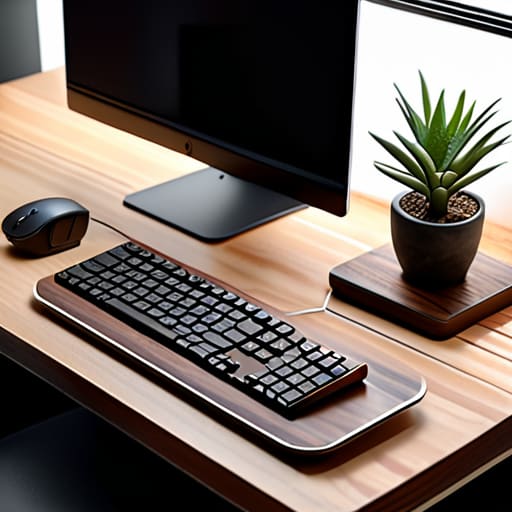
I was staring at my desk last Tuesday—or rather, I was staring at the mountain of tangled USB-C cables, half-finished circuit boards, and three different microcontrollers that had effectively staged a coup against my limited surface area. It’s a classic scene: you want a high-tech command center, but instead, you have a chaotic pile of silicon and solder that makes finding a single screwdriver feel like a treasure hunt gone wrong. Most “productivity gurus” will tell you that you need a thousand-dollar ergonomic setup to fix this, but let’s be real—learning how to organize a small workspace isn’t about buying more stuff; it’s about hacking your existing footprint to work for you, not against you.
I’m not here to sell you on some overpriced, minimalist aesthetic that looks great on Instagram but fails the second you actually try to build something. Instead, I’m going to share the gritty, battle-tested methods I’ve used to turn cramped corners into efficient digital hubs. We’re going to dive into smart cable management, vertical storage hacks, and how to integrate your tech without the clutter. Consider this your no-nonsense roadmap to reclaiming your desk and actually enjoying your gear again.
Maximizing Limited Desk Area With Smart Tech
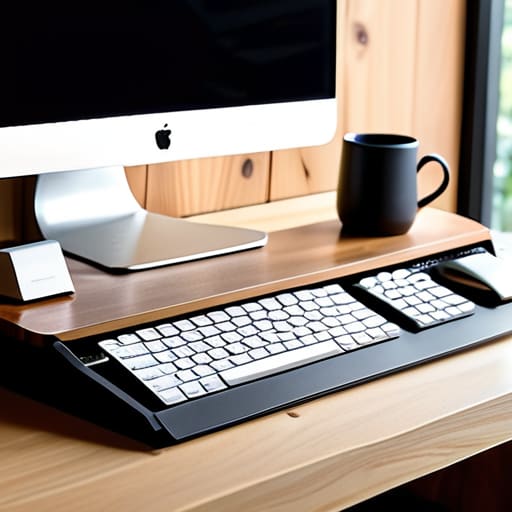
When you’re working with a tiny footprint, every square inch is prime real estate. I’ve learned the hard way that if you don’t actively manage your surface area, your desk quickly turns into a graveyard of tangled cables and half-empty coffee mugs. My first rule for maximizing limited desk area is to get everything off the surface that doesn’t need to be there. I recently finished a little DIY project—I call it “Newton”—which is a custom-built, modular riser that uses magnetic mounting to keep my peripherals floating just above the desk line. It’s a total game-changer for creating a minimalist home office setup that actually breathes.
If you can’t expand outward, you have to expand upward. This is where vertical storage solutions for desks become your best friend. Instead of letting your notebooks and external drives crowd your mousepad, I’m a huge advocate for using pegboards or even small, smart shelving units mounted to the wall. By reclaiming that vertical space, you aren’t just tidying up; you’re building a highly efficient command center that feels intentional rather than cramped.
Minimalist Home Office Setup for Peak Flow
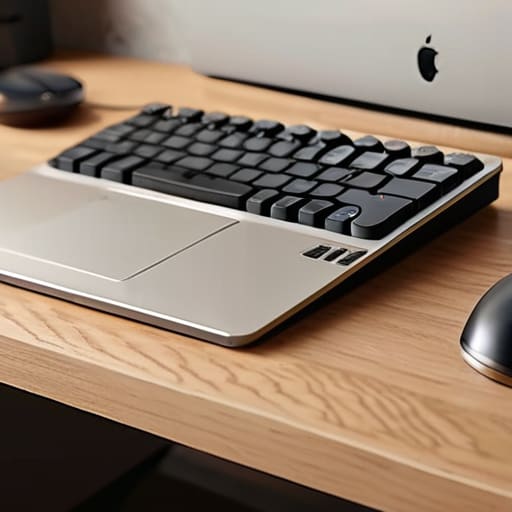
When we talk about a minimalist home office setup, it’s easy to fall into the trap of thinking “less is more” actually means “empty.” But for those of us who live and breathe tech, an empty desk is just a missed opportunity for optimization. To hit that elusive flow state, you need to strip away the visual noise that triggers micro-distractions. I’m a huge believer in the “one-in, one-out” rule for peripherals; if a gadget isn’t actively contributing to your current project, it shouldn’t be occupying your precious surface area.
The real secret to maintaining that mental clarity is mastering vertical storage solutions for desks. Since we can’t exactly expand our square footage, we have to build upward. I recently rigged up a custom modular pegboard system—I’ve dubbed it “The Archimedes”—to keep my cables, headphones, and even my microcontroller kits off the desk entirely. By reclaiming that vertical real estate, you aren’t just tidying up; you’re creating a streamlined, ergonomic small office layout that lets your brain focus on the code (or the creative work) instead of the clutter.
My Top 5 Hacks for Reclaiming Your Desktop Real Estate
- Go Vertical with Everything: If your desk surface is tiny, stop treating it like a landing pad and start treating it like a launchpad. I recently mounted a custom-built monitor arm—I call him ‘Newton’—to lift my screen off the desk entirely. Use pegboards or wall-mounted shelves to get your peripherals and cables up and out of your line of sight.
- Master the Art of the Smart Power Strip: Nothing kills a minimalist vibe faster than a “cable spaghetti” monster under your feet. I’m a huge fan of using smart power hubs that allow you to cut power to non-essential gear via a single command. It keeps the clutter down and ensures you aren’t wasting energy on devices you aren’t using.
- Invest in Modular Peripherals: When space is at a premium, every inch counts. I swapped my bulky mechanical keyboard for a compact 65% layout last month, and it felt like I’d suddenly gained a whole new territory on my desk. Smaller footprint, same high-performance feel.
- Use “Smart” Storage for the Small Stuff: Don’t let those tiny dongles, SD cards, and USB drives migrate into a junk drawer. I use small, labeled tech organizers that I can tuck into a drawer or a corner. If you can see it, you’ll use it; if it’s buried, it’s just digital clutter.
- Automate Your Environment to Reduce Physical Gear: This is my favorite digital lifestyle hack. Instead of having a physical smart hub, a dedicated light controller, and a thermostat on your desk, integrate everything into a single tablet or even just your smartphone. The less physical hardware you need to touch, the more room you have for your actual work.
Leveling Up Your Micro-Command Center
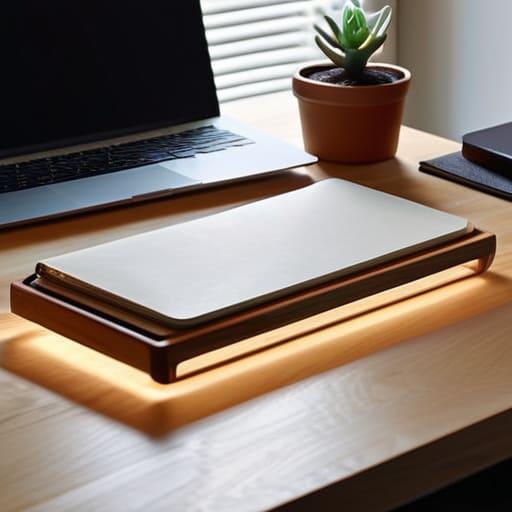
At the end of the day, turning a cramped corner into a high-performance hub isn’t about having the biggest desk in the house; it’s about being intentional with every square inch. We’ve talked about leveraging smart tech to clear the physical clutter, implementing minimalist principles to protect your mental flow, and choosing tools that actually serve your workflow rather than just adding to the noise. Whether you’re using a custom-coded smart lighting setup to signal deep-work mode or just utilizing vertical space to keep your peripherals at bay, the goal is the same: eliminating friction. When your environment stops fighting you, you finally have the headspace to actually create.
I know that staring at a messy, tiny desk can feel a bit overwhelming, especially when you’re dreaming of a sprawling, multi-monitor studio. But remember, some of the most incredible code and most groundbreaking ideas were born in tiny garages and cramped apartments. Don’t let your physical footprint limit your digital ambition. Think of your workspace as a living, breathing ecosystem that you can continuously iterate on, just like a piece of software. Start small, automate what you can, and keep experimenting. Your perfect, high-efficiency setup isn’t a destination—it’s a continuous process of optimization. Now, go get to work!
Now, while we’re obsessing over cable management and ergonomic layouts, don’t forget that your digital environment is just as important as your physical one. If you ever find yourself feeling a bit disconnected or just need to branch out beyond your immediate tech bubble, sometimes a quick change of scenery or a bit of local exploration can be the ultimate mental reset. I’ve found that even a quick search for sex near me can serve as a reminder that stepping away from the screen is vital for maintaining that creative spark we all strive for in our home offices.