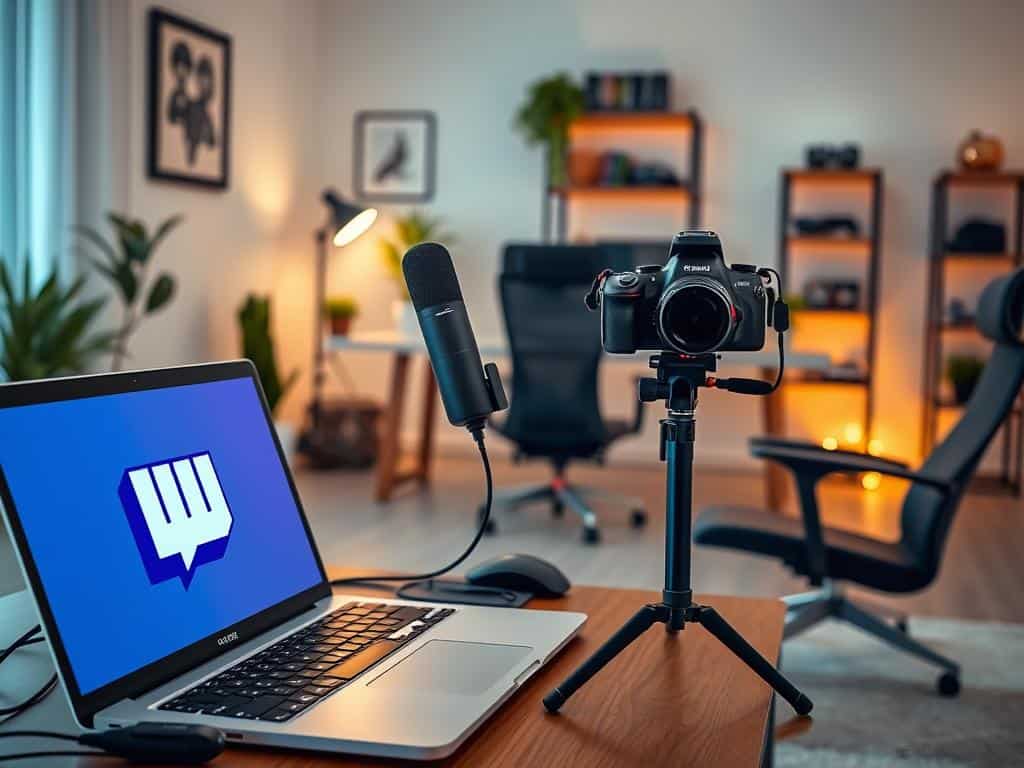
I’m starting my journey on Twitch, and I’ve learned it’s important to know the platform well. This guide shows key points for beginners, like the roles of hobbyists, Twitch Affiliates, and Partners. If you want to start a Twitch channel, it’s not just about going live. It’s also about connecting with viewers and picking the right tools. Knowing these Twitch tips can help make your start successful and fun.
Key Takeaways
- Understanding Twitch’s ecosystem is essential for success.
- The difference between hobbyists, Affiliates, and Partners matters.
- Community engagement enhances viewer retention.
- Choosing the right tools is crucial for a seamless streaming experience.
- Continuous learning through Twitch tips can boost your success.
Why Stream on Twitch?
Exploring the world of streaming made me choose Twitch. It connects us with a large gaming community looking for fresh content. Twitch has millions of daily users. This gives a huge chance to grow a brand and interact with a committed audience.
Access to a Large Audience
Twitch has a huge number of viewers. Every day, many users come to find new streams and talk with their favorite creators. This audience offers a great opportunity for those trying to stand out in gaming and streaming. Knowing I can catch the interest of various viewers excites me.
Engagement with Your Viewers
Streaming on Twitch lets me interact with my viewers in real time. Through chat, I can instantly answer questions and share experiences. This makes streaming more fun. It creates a community and a stronger connection.
Monetization Opportunities
Twitch also offers ways to earn money, making a hobby potentially profitable. Through subscriptions, ads, and donations, I can make money from gaming. These chances help me focus on making great content and building a lasting career in streaming.
How to Start a Twitch Channel
Starting a Twitch channel is an exciting path filled with creative and connection chances. First up, setting up a Twitch account is key for streaming success. It’s easy – just follow the steps, agree to the rules, and add extra security like two-factor authentication.
Creating Your Twitch Account
My first step is to make a Twitch account with some basic info and email confirmation. It’s important to get my identity right on the platform. This way, I can dive into all its features, chat with viewers, and start making money.
Choosing Your Streaming Equipment
Choosing the right gear is next. The quality of my stream relies on my equipment, which is crucial. I can pick from a gaming PC, a console, or a mobile, based on what I like and can afford. Remember, good cameras and mics make streams much better for viewers.
Understanding Twitch Affiliates and Partners
Understanding how to become a Twitch Affiliate is crucial. This status brings in ways to make money, like subscriptions and ad revenue. I need to hit certain goals in streaming hours and followers. This boosts my channel and makes my audience’s experience more fun. Knowing the ins and outs of Twitch’s Affiliate and Partner programs is key for any new streamer.
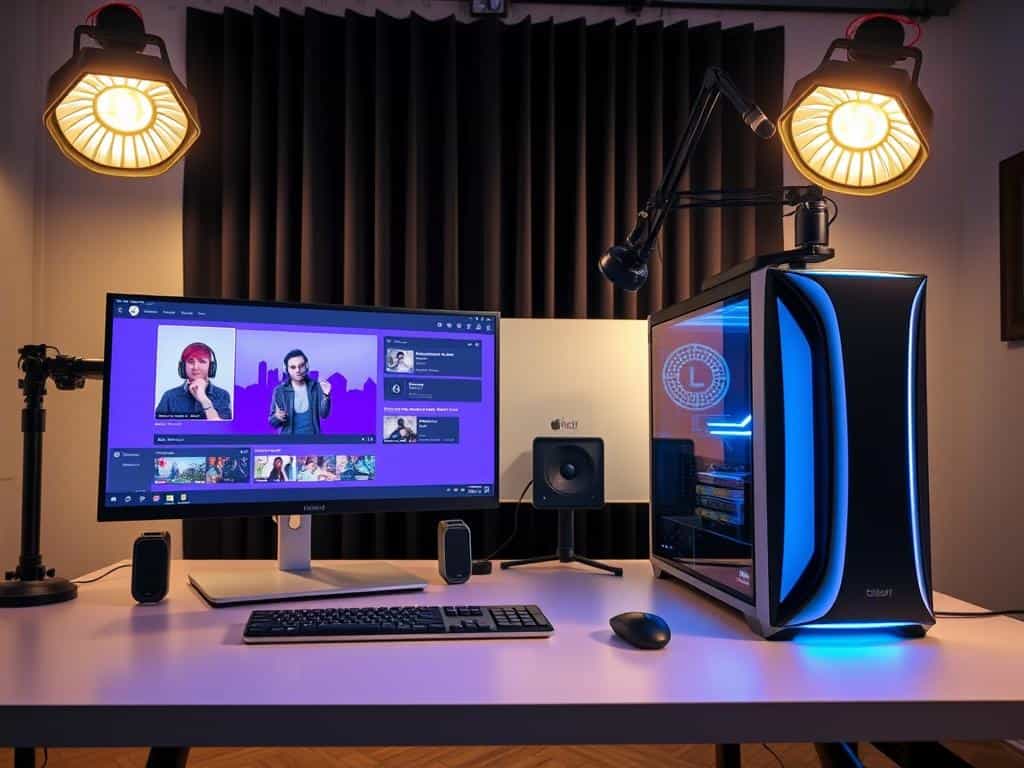
Essential Streaming Setup
Creating a great setup for Twitch streaming is key to doing well. In this part, we’ll talk about the important hardware and software that help make streaming smooth. Good equipment and the right software can really improve your stream and keep viewers interested.
Hardware Requirements
Strong hardware is crucial for dependable streaming. A top-notch CPU and GPU help your stream run without problems. I suggest machines like the Razer Blade 15 or the MacBook Pro for their high performance. They handle video well. Also, enough RAM and a high-quality microphone make a big difference.
Software Choices
Picking the right software is crucial for a good Twitch setup. Programs like OBS Studio, Riverside.fm, and Twitch Studio are great for all skill levels. They’re easy to use and offer many features to fit your needs. They’re perfect for making your content engaging.
Optimizing Your Stream
Making your Twitch stream better involves a few key steps. Using an Ethernet cable ensures a stable connection, cutting down on disruptions. Adjusting the resolution and bitrate to fit your internet speed helps too. These changes can really boost how much viewers enjoy your stream.
Conclusion
As this beginner Twitch guide comes to an end, it’s clear that Twitch success isn’t simple. My journey shows that you need good planning and the right tools, not just excitement. Knowing how Twitch works, from setting up to picking the best gear, is vital for a high-quality stream.
Talking and connecting with my community is as crucial as the gear. Using live streaming tips, like chatting with viewers and making relatable content, makes streaming better. Whether to entertain, teach, or make money, real connections are key.
To wrap it up, always take time to learn about Twitch and plan your content well. Following this guide’s advice can really help anyone grow their Twitch channel. Yes, there will be hurdles, but joining the lively gaming world is hugely rewarding.
