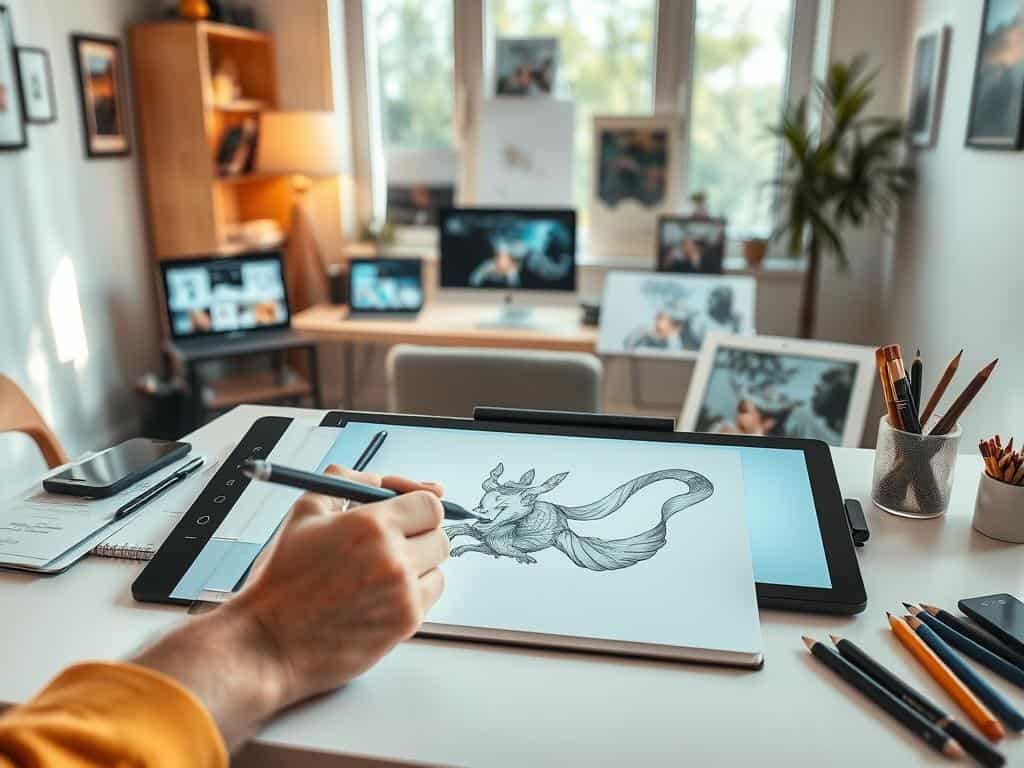
In the modern day, digital art has become very popular, especially with beginners. It uses technology instead of traditional tools like canvas and pencils. I started my digital art journey in 2016. It kindled a love for creating art online that I didn’t expect. Switching to digital art may seem hard at first. But, I’ve found it’s cleaner and more convenient than traditional methods. This guide is for new artists. It will help you start with digital art using available tools.
If you’re into drawing, painting, or designing, digital art offers many chances to be creative. In this digital drawing tutorial, I’ll share tips to begin your art journey.
Key Takeaways
- Digital art is a modern alternative to traditional mediums, using technology for creativity.
- My journey into digital art began in 2016, fueling my passion for online art creation.
- The transition from traditional to digital art can be rewarding and less messy.
- This guide serves as a beginner artist guide, highlighting essential steps to embark on your digital art journey.
- Understanding how to create digital art opens new avenues for self-expression and innovation.
Essential Tools for Digital Art Creation
Creating digital art means picking the right tools. You have many devices to choose from, each with unique benefits. Computers, tablets, and smartphones each offer something special for your art. Exploring different art software can also change how you create.
Choosing the Right Device: Computer, Tablet, or Smartphone
Deciding between a computer, tablet, or smartphone for art? Think about what each offers. Computers are strong and work with many art programs. They’re good for big projects. Tablets combine portability with features, perfect for up-and-coming artists. But smartphones, while handy, might not be as precise due to their small screens.
Benefits of Drawing on a Computer
Drawing on a computer offers a stable setup and many software choices. You can use programs like Adobe Photoshop for detailed work. Computers can handle large files easily, thanks to lots of memory. This lets me focus on creating without slowdowns.
Advantages of Using a Tablet for Digital Art
Tablets shine in portability and simplicity. They’re light and mimic real drawing tools. Wacom tablets are especially good with their customizable options. For beginners, tablets are easy to use, making digital art more accessible.
Smartphone Drawing: Is It Worth It?
Drawing on smartphones is a mixed bag. The freedom to draw anywhere is great, but small screens can be tricky. However, a good stylus can make a big difference. Smartphones are useful for quick ideas or sketches on the move.
Importance of a Pen Tablet in Your Setup
A pen tablet is a must-have for digital artists. It makes drawing feel more natural. It’s perfect for achieving detailed work. Serious artists should consider a quality pen tablet from Wacom or Huion. It’s key for unleashing full creativity.
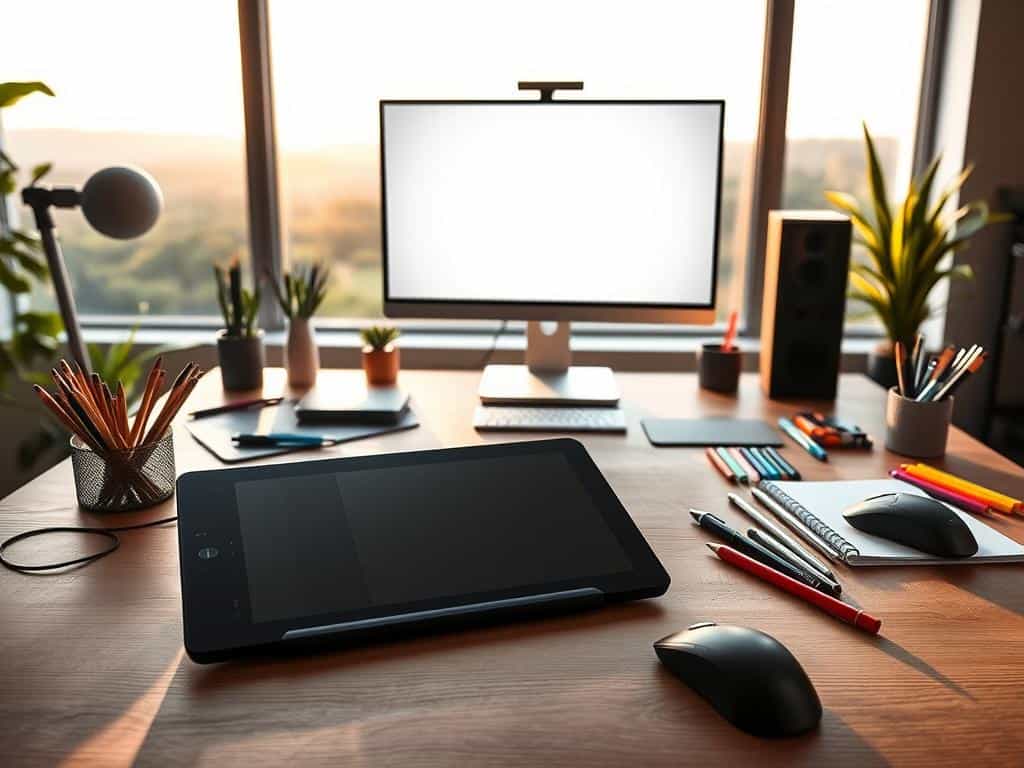
How to Create Digital Art: Step-by-Step Guide
Creating digital art is an exciting adventure for all artists, new or seasoned. This guide dives into the digital art world, highlighting tools, techniques, and software. It reveals the advantages of digital art, like easy fixes and being good for the planet, to better your artistic journey.
Understanding Digital Art and Its Benefits
Digital art opens up new ways to express yourself artistically. A big plus is easily fixing errors. Unlike traditional art, digital lets you try new things without worry. It also uses fewer resources, making it eco-friendly.
Getting Started with Illustration Apps
Finding the perfect illustration app is key to starting with digital art. Favorites like Procreate and Adobe Fresco offer user-friendly interfaces and helpful features. They guide you in creating amazing illustrations. Try out a few to see what fits your artistic vibe.
Finding the Right Art Software for Your Needs
Choosing software depends on what you aim to achieve artistically. If you’re just starting, you might like something easy. But, if you’re experienced, you may want something more advanced. Look into Adobe Photoshop and Corel Painter. They suit different skill levels and preferences, helping boost your artistic work.
Sketching and Transferring Your Ideas
Starting with good digital sketching techniques is crucial. I recommend sketching on paper first to capture your initial ideas. It helps creativity flow naturally. Then, transfer your sketch to digital to refine and expand your concept.
Coloring and Enhancing Your Digital Drawing
Using digital coloring effectively can take your art to the next level. Play with layers and blends for dynamic colors. This adds depth and detail. With a tablet or stylus, you have the freedom to change colors as you like, making your art stand out even more.
Conclusion
Starting a journey in digital art is thrilling. It unlocks new ways for you to express yourself. As I think back on my start in digital drawing, I see the importance of loving the process, even when it gets tough. Keeping at it is crucial. With steady practice and an open mind for new methods, any newbie can find their own art style.
The digital world for artists offers so many tools to help create their work easily. For extra help, tons of resources for beginner artists are out there, like online courses for all levels and groups that boost growing together. Using these resources can spark the motivation to get better at your craft.
The world of digital art is wide and full of opportunities. With hard work, your hobby could even become your job. I urge you to keep trying new things, learn from others, and, above all, enjoy making art. Digital art gives you limitless ways to be creative and share your stories, whether just for fun or as a career choice.
